> For the complete documentation index, see [llms.txt](https://docs.bounce.finance/llms.txt). Markdown versions of documentation pages are available by appending `.md` to page URLs; this page is available as [Markdown](https://docs.bounce.finance/user-guide/nft-english-auction-guides/create-an-nft-english-auction.md).
# Create an NFT English auction
### How to c**reate an NFT English auction**
1\. Visit and select **NFT auction house** on the left top corner.2. Click create **auction** button and the selection window pops up.3. Select **NFT English auction** and click **confirm** to go to the create a fixed swap pool page.4. The pool settings page consists of two sections.
**The contract information section:**
* **Token type:** select ERC721 or ERC1155. Find the token type on
* **Token contract address and token ID:** find the token contract address and token ID on [Etherscan](https://etherscan.io/) or (connect with Metamask or any other eligible wallet)
The NFT content will be automatically queried from [Etherscan](https://etherscan.io/).
**The pool settings section:**
* **From:** is auto filled after entering the contract address
* **To:** the currency to receive for the auctioned assets. On the Ethereum network the options are ETH and USDT. On Binance Smart Chain the options are BNB and USDT.
* **Starting price (floor price):** the lowest price to start bidding on the NFT
* **Pool name:** for participants to identify the auction on the Bounce homepage
* **Bid confirmation period:** the time that the auction will be available. With every new bid, the confirmation period restarts.The period ends when the highest bid gets no more higher bid within this time window.
* **Minimal bid price increment:** the minimum price increase to bid from the last highest bid
* **Participant:**
* **Public** opens the auction to everyone,
* **Bot holders** opens the auction to users who hold at least 0.5 bot in their wallet
* **Private** opens to exclusive users or groups secured by password
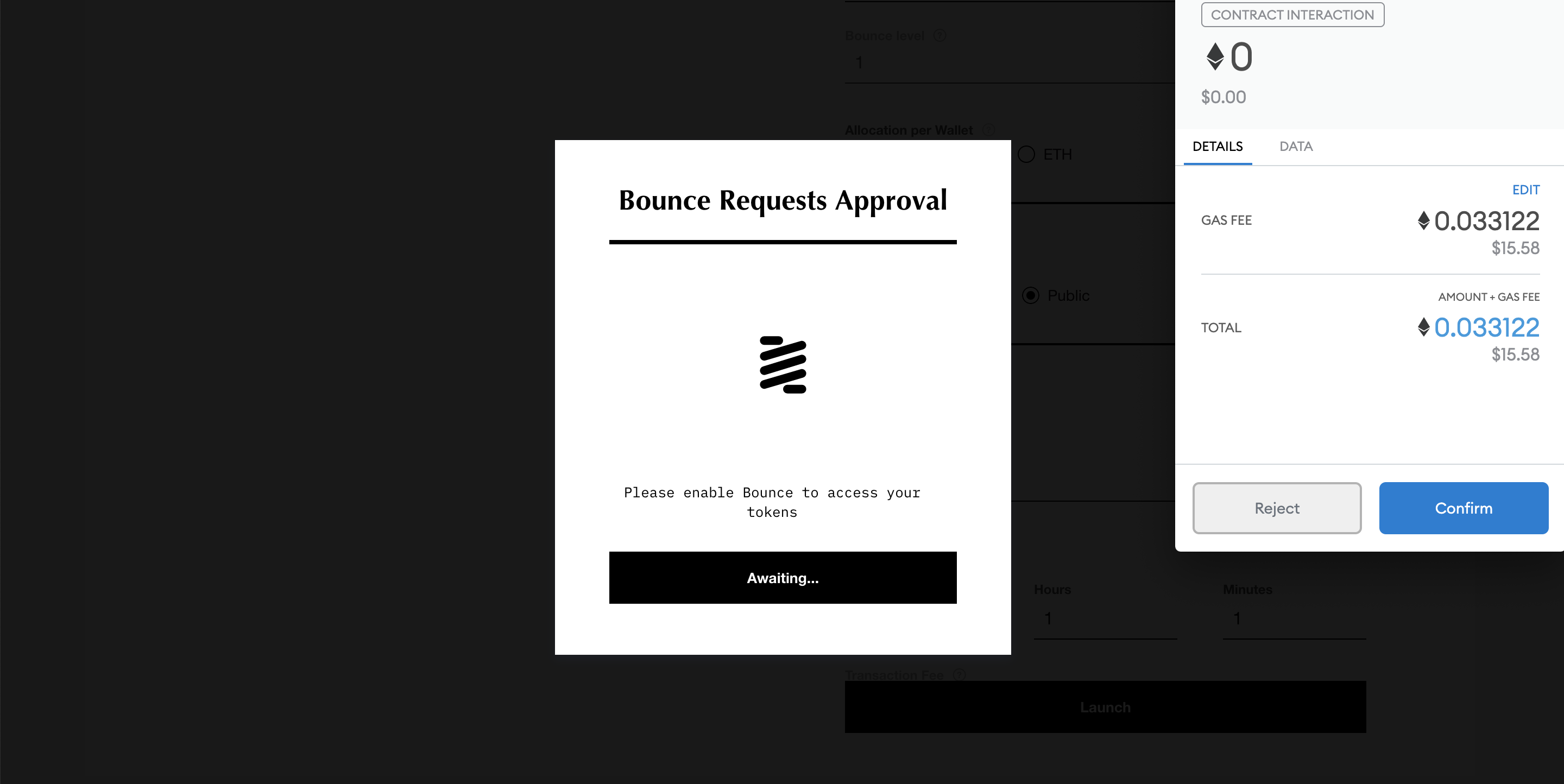
5\. Once all parameters are entered, click the **launch** button and approve the transaction in Metamask (or whichever wallet used). Two transactions are needed to launch the auction:
* Approve spending limit:
* Approve Contract interaction:
*If a transaction error with very high gas fee (usually over 200 USD), appears please do not proceed and go back to the parameter page to check if everything is entered correctly.*[Bounce NFT auctions - PreviousNFT English auction](https://docs.bounce.finance/bounce-nft-auctions/nft-english-auction)[NextParticipate in an NFT English auction](https://docs.bounce.finance/bounce-nft-auctions/nft-english-auction/participate-in-an-nft-english-auction)