# Create an NFT lottery auction

## How to c**reate an NFT lottery auction pool** <a href="#how-to-create-an-nft-lottery-auction-pool" id="how-to-create-an-nft-lottery-auction-pool"></a>

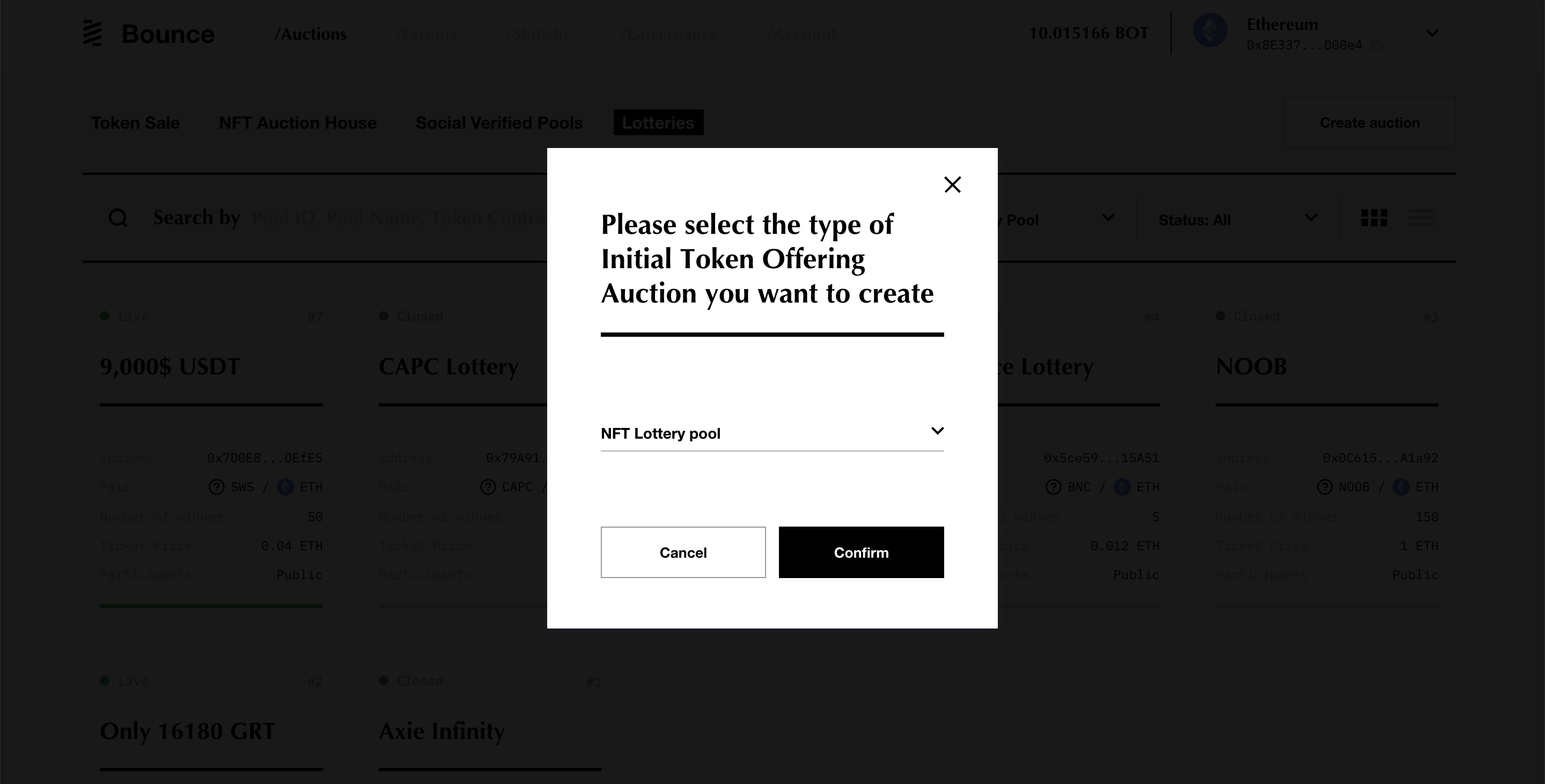
1\. Visit <https://app.bounce.finance/> and select **lotteries** on the left top corner.

2\. Click create **auction** button and the selection window pops up.

<figure><img src="https://841106785-files.gitbook.io/~/files/v0/b/gitbook-legacy-files/o/assets%2F-MMLqjlwAt55S1SFAMyt%2F-MMopC_rwWXLO2KzxYP8%2F-MMopPiylEgt06rCf6_k%2FScreenshot%202020-11-23%20at%2012.20.28.png?alt=media&#x26;token=e4d810fc-19bf-4685-b7cb-ca996140baf4" alt=""><figcaption></figcaption></figure>

3\. Select **NFT lottery pool** and click **confirm** to go to the create a lottery pool page

4\. The pool settings page consists of two sections.

**The contract information section:**

<figure><img src="https://841106785-files.gitbook.io/~/files/v0/b/gitbook-legacy-files/o/assets%2F-MMLqjlwAt55S1SFAMyt%2F-MMopC_rwWXLO2KzxYP8%2F-MMoqPHMRp--d4T4OT6t%2FScreenshot%202020-11-23%20at%2012.24.42.png?alt=media&#x26;token=2a829e02-d6a5-4aa7-808d-f15fe5f7a076" alt=""><figcaption></figcaption></figure>

* **Token contract address:** find the token contract address on [Etherscan](https://etherscan.io/).
* **Token symbol** and t**oken decimals** will be auto-filled after entering the token contract address.

**The pool settings section:**

<figure><img src="https://841106785-files.gitbook.io/~/files/v0/b/gitbook-legacy-files/o/assets%2F-MMLqjlwAt55S1SFAMyt%2F-MMopC_rwWXLO2KzxYP8%2F-MMor5D3ePavKiQzwF74%2FScreenshot%202020-11-23%20at%2012.27.56.png?alt=media&#x26;token=947587dd-7e23-4e57-a9bd-1f9514cb5ac7" alt=""><figcaption></figcaption></figure>

* **NFT price:** the price of a ticket, which is equal to the price of the NFT.
* **Max participant allowed:** the maximum number of participants in the lottery.
* **Pool name:** for participants to identify the pool on the Bounce homepage
* **Lottery running time:** the time that the pool will be available

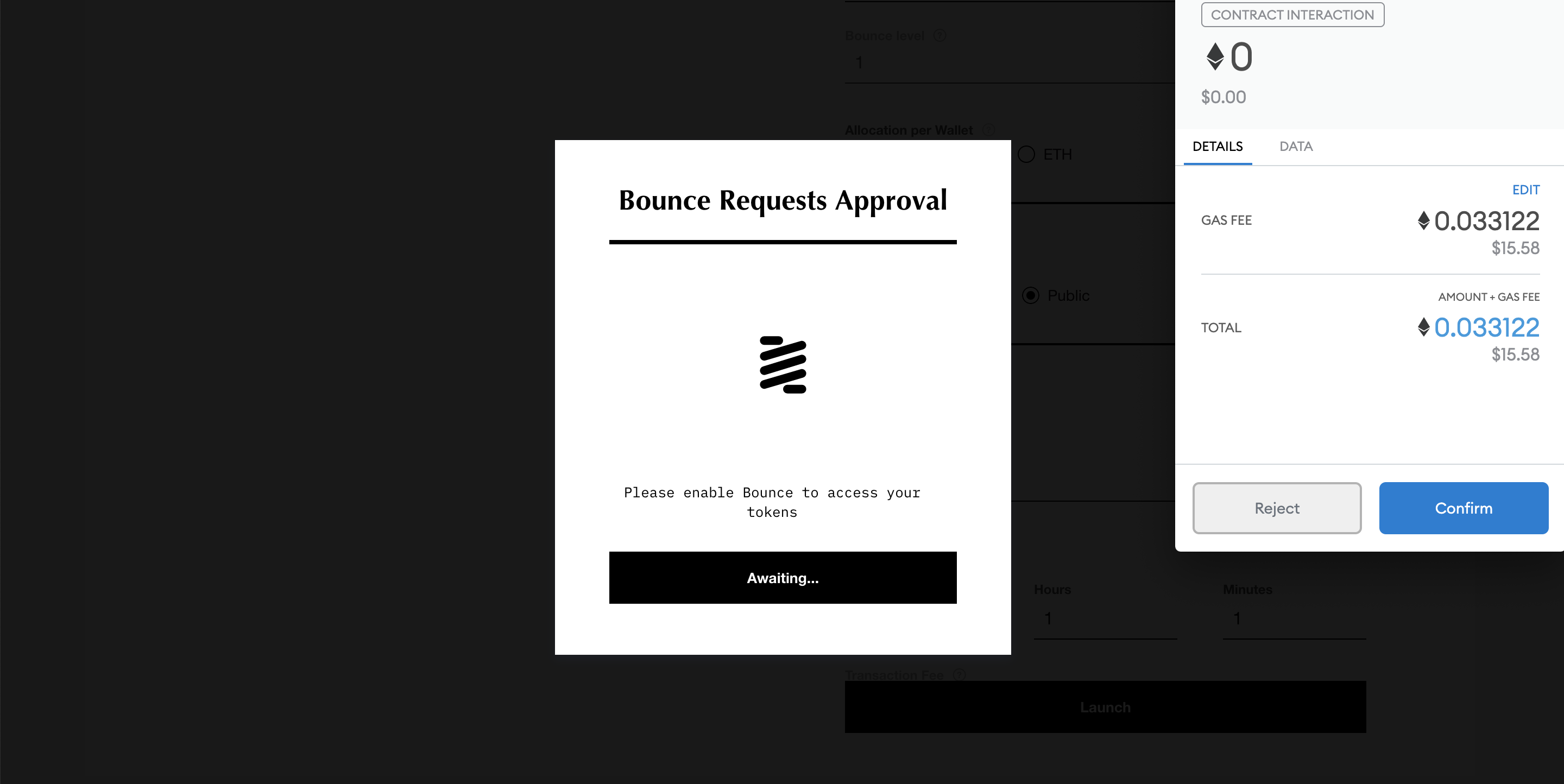
5\. Once all parameters are entered, click the **launch** button and approve the transaction in MetaMask (or whichever wallet used). Two transactions are needed to launch the pool:

* Approve spending limit:

<figure><img src="https://841106785-files.gitbook.io/~/files/v0/b/gitbook-legacy-files/o/assets%2F-MMLqjlwAt55S1SFAMyt%2F-MMR6K1b4DCSWZu_BMsP%2F-MMR8fwoj4QwB-0zJG_C%2FScreenshot%202020-11-18%20at%2017.16.52.png?alt=media&#x26;token=c70106d6-6e80-4f4f-9dd9-811033e3941e" alt=""><figcaption></figcaption></figure>

* Approve Contract interaction:
*

```
<figure><img src="https://841106785-files.gitbook.io/~/files/v0/b/gitbook-legacy-files/o/assets%2F-MMLqjlwAt55S1SFAMyt%2F-MMR6K1b4DCSWZu_BMsP%2F-MMR9MC_MZzikmUIpQiM%2FScreenshot%202020-11-18%20at%2017.21.33.png?alt=media&#x26;token=1efac890-122a-4fc2-adb4-2d9217175bf9" alt=""><figcaption></figcaption></figure>
```

*If a transaction error with very high gas fee (usually over 200 USD), appears please do not proceed and go back to the parameter page to check if everything is entered correctly.*<br>


---

# Agent Instructions: Querying This Documentation

If you need additional information that is not directly available in this page, you can query the documentation dynamically by asking a question.

Perform an HTTP GET request on the current page URL with the `ask` query parameter:

```
GET https://docs.bounce.finance/user-guide/nft-random-selection-auction-guides/create-an-nft-lottery-auction.md?ask=<question>
```

The question should be specific, self-contained, and written in natural language.
The response will contain a direct answer to the question and relevant excerpts and sources from the documentation.

Use this mechanism when the answer is not explicitly present in the current page, you need clarification or additional context, or you want to retrieve related documentation sections.